
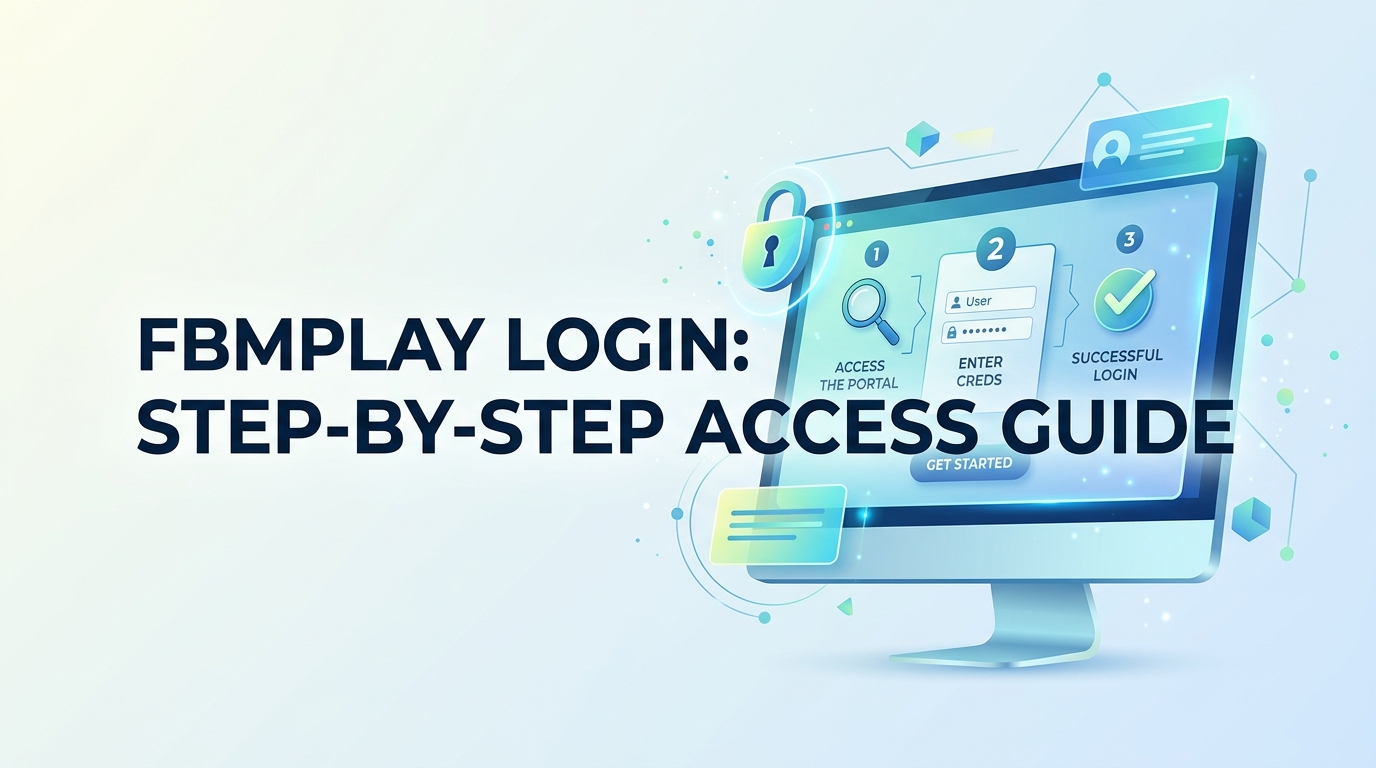
FBMPlay Login: Step-by-Step Access Guide
To complete an FBMPlay login, visit fbmplay.com, enter your registered username and password, and verify you are 21+. FBMPlay is operated by FBM Gaming under PAGCOR regulation in the Philippines.
What You Need Before Logging In
Before starting the FBMPlay login process, prepare a verified account, a stable internet connection, and a valid ID confirming you are 21 or older. FBMPlay operates on fbmplay.com for players, while fbmgaming.com serves B2B operators. Both platforms are managed by FBM Gaming, a licensed supplier recognized by PAGCOR.
- Registered FBMPlay account (username and password)
- Government-issued ID for verification (21+ only)
- Updated browser (Chrome, Safari, or Edge)
- Stable Wi-Fi or mobile data connection
How Do You Log In to FBMPlay?
Follow these six steps to access your FBMPlay account safely and quickly.
Step 1: Open your browser and type fbmplay.com directly into the address bar. Avoid clicking unverified links from emails or social media.
Step 2: Click the "Login" button located at the top-right corner of the homepage. The login window will appear.
Step 3: Enter your registered username or email in the first field. Make sure there are no typing errors or extra spaces.
Step 4: Type your password in the second field. Use the eye icon to confirm spelling before submitting.
Step 5: Verify any security check or CAPTCHA that appears. This step protects your account from automated bots.
Step 6: Click "Sign In" to access your dashboard. You should land on the main lobby within a few seconds.
If this doesn't work, reset your password using the "Forgot Password" link, clear your browser cache, or try a different browser before contacting support.
How Do You Reset a Forgotten Password?
Reset your FBMPlay password directly from the login screen in under two minutes. The recovery process uses your registered email to confirm identity.
Step 1: Click "Forgot Password" beneath the login fields on fbmplay.com.
Step 2: Enter the email address linked to your FBMPlay account and submit the request.
Step 3: Check your inbox (and spam folder) for a password reset link from FBM Gaming.
Step 4: Create a new password with at least 8 characters, including numbers and symbols.
Step 5: Return to fbmplay.com and log in with your new credentials.
If the reset email doesn't arrive, wait 10 minutes, confirm the email address is correct, or contact FBMPlay customer support for manual verification.
Why Is FBMPlay Login Failing?
Login failures typically stem from incorrect credentials, browser issues, or account verification status. Most problems resolve with simple troubleshooting.
- Wrong credentials: Double-check caps lock and confirm your username spelling.
- Unverified account: New users must complete KYC verification before login is enabled.
- Browser cache: Clear cookies or switch to incognito mode.
- Geographic restriction: FBMPlay services follow PAGCOR jurisdiction; using a VPN may block access.
- Account suspension: Contact support if you suspect your account is locked.
How Do You Log In Securely on Mobile?
Access FBMPlay on mobile by opening fbmplay.com in your phone's browser. The platform uses responsive design, so no separate app download is required for player access.
Step 1: Launch Chrome or Safari on your mobile device.
Step 2: Type fbmplay.com into the address bar manually.
Step 3: Tap the menu icon and select "Login".
Step 4: Enter your credentials and confirm you are 21+.
Step 5: Bookmark the official URL to avoid phishing sites in the future.
How Can You Protect Your FBMPlay Account?
Protect your FBMPlay account by using a unique password, enabling available security features, and only logging in through fbmplay.com. FBM Gaming applies industry-standard encryption, but personal vigilance remains essential.
- Use a password manager to generate strong, unique passwords
- Never share login details with third parties or "agents"
- Always log out when using shared or public devices
- Verify the URL spelling — bookmark fbmplay.com to avoid clones
- Report suspicious emails claiming to be from FBM Gaming
Remember that fbmplay.com serves individual players, while fbmgaming.com is the B2B portal for licensed operators. Confusing the two can lead you to the wrong login page.
Frequently Asked Questions
Is FBMPlay legal in the Philippines?
FBMPlay operates under PAGCOR regulation. FBM Gaming, the parent company, is a licensed supplier serving the regulated Philippine gaming market for players aged 21 and above only.
What is the difference between fbmplay.com and fbmgaming.com?
fbmplay.com is the player-facing platform where individuals log in to play. fbmgaming.com is the corporate B2B website for operators and business partners working with FBM Gaming.
Can I log in to FBMPlay from outside the Philippines?
FBMPlay services follow PAGCOR jurisdiction. Access from outside regulated areas may be restricted. Using a VPN is not recommended and may violate the platform's terms of service.
Why does FBMPlay ask for ID verification?
PAGCOR requires age and identity verification to ensure only players aged 21+ access regulated gaming platforms. This KYC process protects minors and supports responsible gaming standards.
Who do I contact for FBMPlay login support?
Use the official support channels listed on fbmplay.com. Avoid third-party "helpers" on social media, as these are commonly associated with phishing and account theft attempts.
Is there an FBMPlay mobile app?
FBMPlay is accessible through any mobile browser at fbmplay.com without a dedicated app. The site is optimized for both iOS and Android devices via responsive web design.
Responsible Gaming Notice: FBMPlay is for players aged 21 and above only. Gaming should remain entertainment, never a source of income. If you or someone you know shows signs of problem gambling, contact PAGCOR's responsible gaming helpline. Set deposit and time limits, and never chase losses. Source: PAGCOR (Philippine Amusement and Gaming Corporation), FBM Gaming corporate disclosures.